
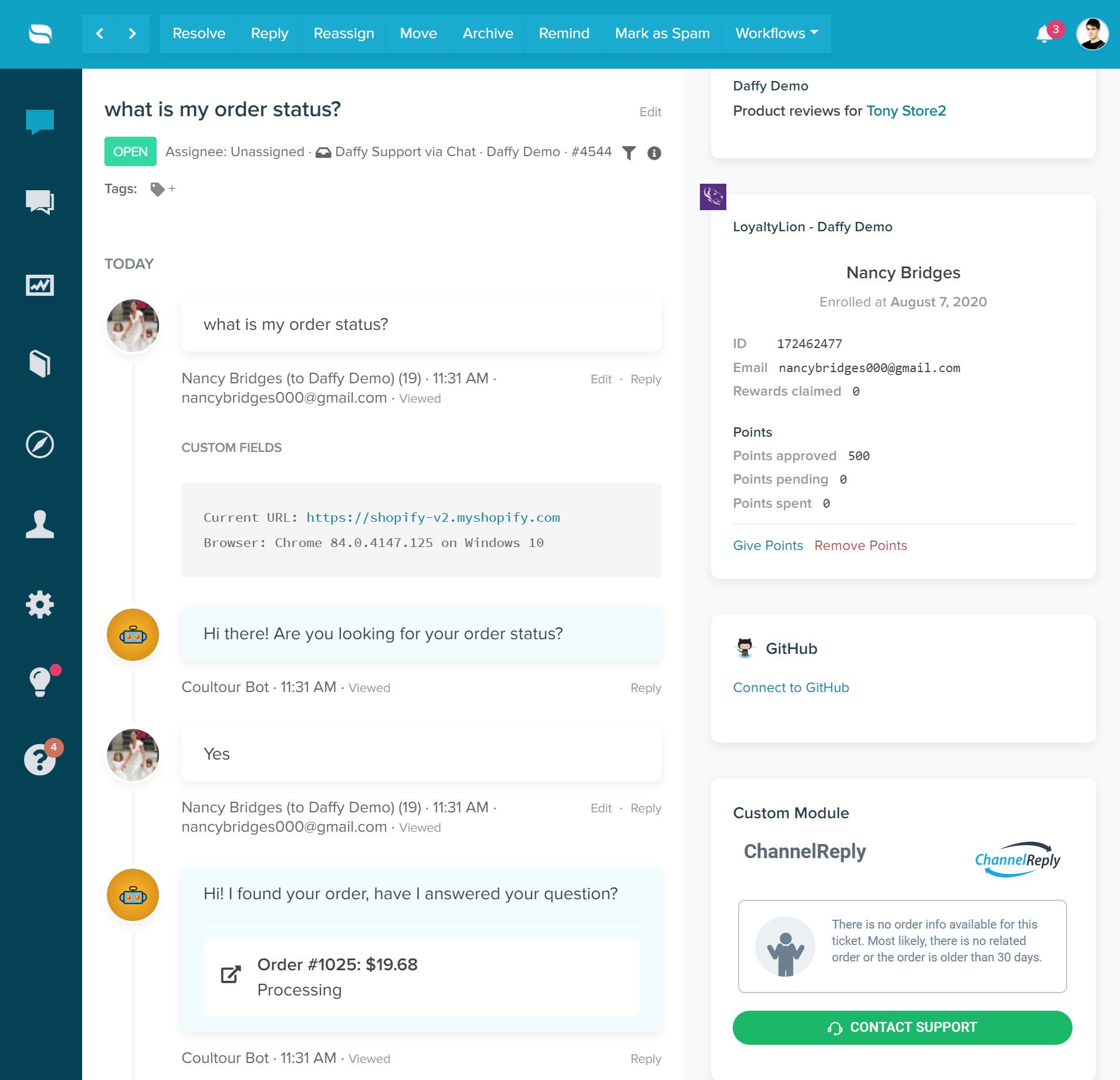
LoyaltyLion is a customer loyalty and engagement platform that lets you create customized loyalty programs, reward customers for various interactions, and drive repeat purchases. By connecting your LoyaltyLion account, Re:amaze will display the following customer data in your dashboard:
- Loyalty history
- Enrollment date
- Customer ID
- Number of rewards claimed
- Total approved points
- Points currently pending
- Points spent
- The ability to give or remove points directly from Re:amaze
Connect LoyaltyLion
Navigate to Settings > Apps and Integrations and select LoyaltyLion from the list of apps.
If you manage multiple brands, select Connect for the brand you want to connect LoyaltyLion to.
Select Connect with LoyaltyLion and you will be navigated to your LoyaltyLion account.
Re:amaze will request access to your LoyaltyLion data. Select Authorize to grant access.
Once connected, LoyaltyLion data will appear in the right rail of your customer conversations. Note that LoyaltyLion data will only be available when the customer's email address matches between Re:amaze and LoyaltyLion.
What went wrong? (Optional)